
I’d write a thorough review on the technical aspects of the Nexus 7 but I’ve really been too tired so I’ve opted to do a first looks/first impressions instead.
I’ve been waiting patiently for the past two days since ordering the Nexus 7 late that night. It came by earlier in the afternoon yesterday and I was honestly doing my best to not unbox it, but after a few hours of crazy discipline, I cracked it open. Can I say that of all the smartphones, computers, and tablets I have had the pleasure of unboxing, this has got to have the most snug packaging ever … Peter and I like to keep our packaging in mint condition so ripping off the wraparound cover was not an option.
We opted for 16 GB of internal storage as opposed to the 8 GB version because when it comes to a set amount of storage, you never know what you may end up needing. The 8 GB tablet costs $200 while the 16 GB (flash storage by the way) is reasonably offered for only $50 more. Not bad.

After loosening the outer cover with a ruler, the cover gave me some room to push the box out of one end. And I thought my old HTC Thunderbolt was hard to unbox.
After the main box is dealt with, the Nexus 7 is easily lifted out by pulling the tab. Removing the plastic film, we find this:
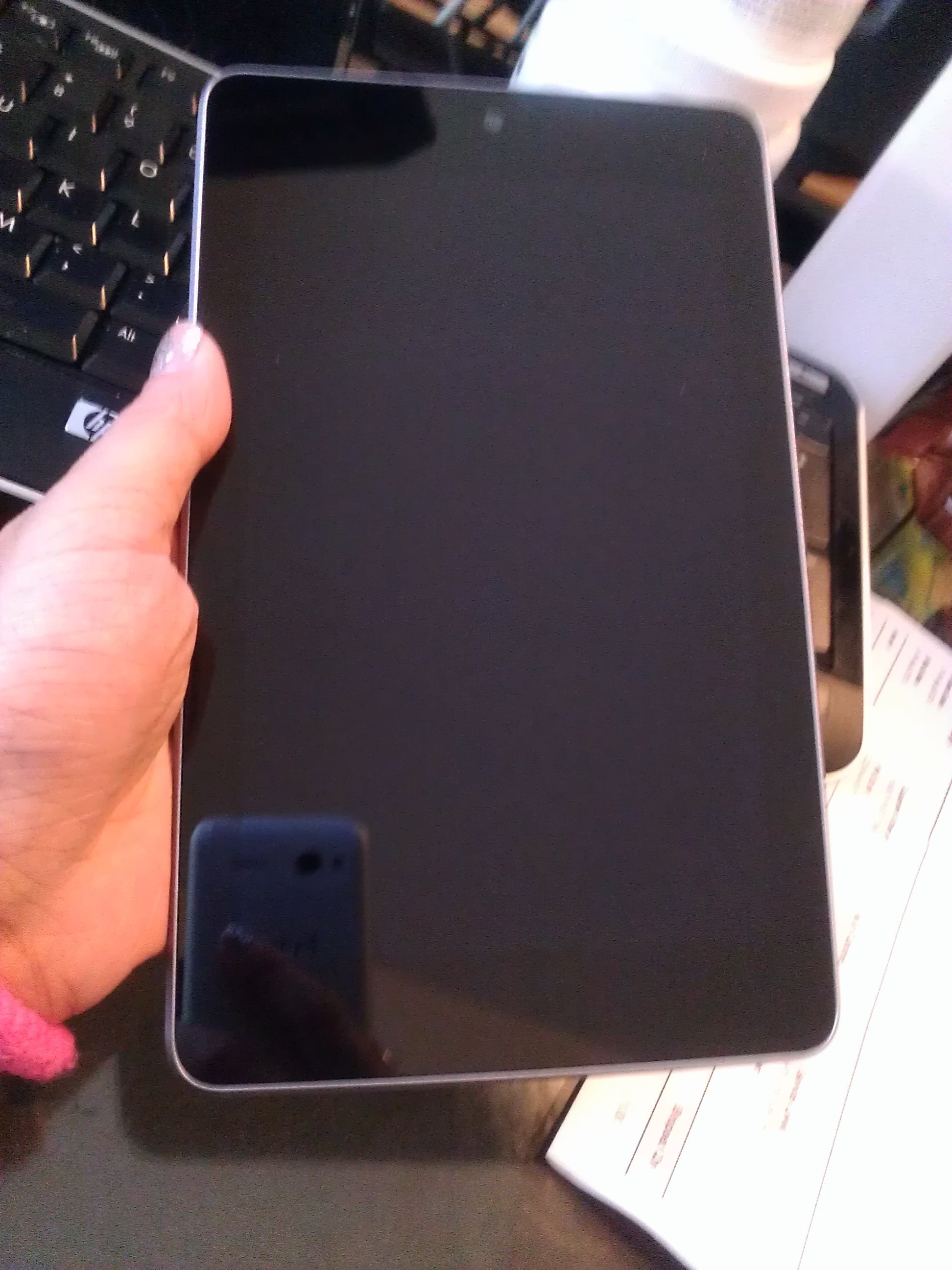
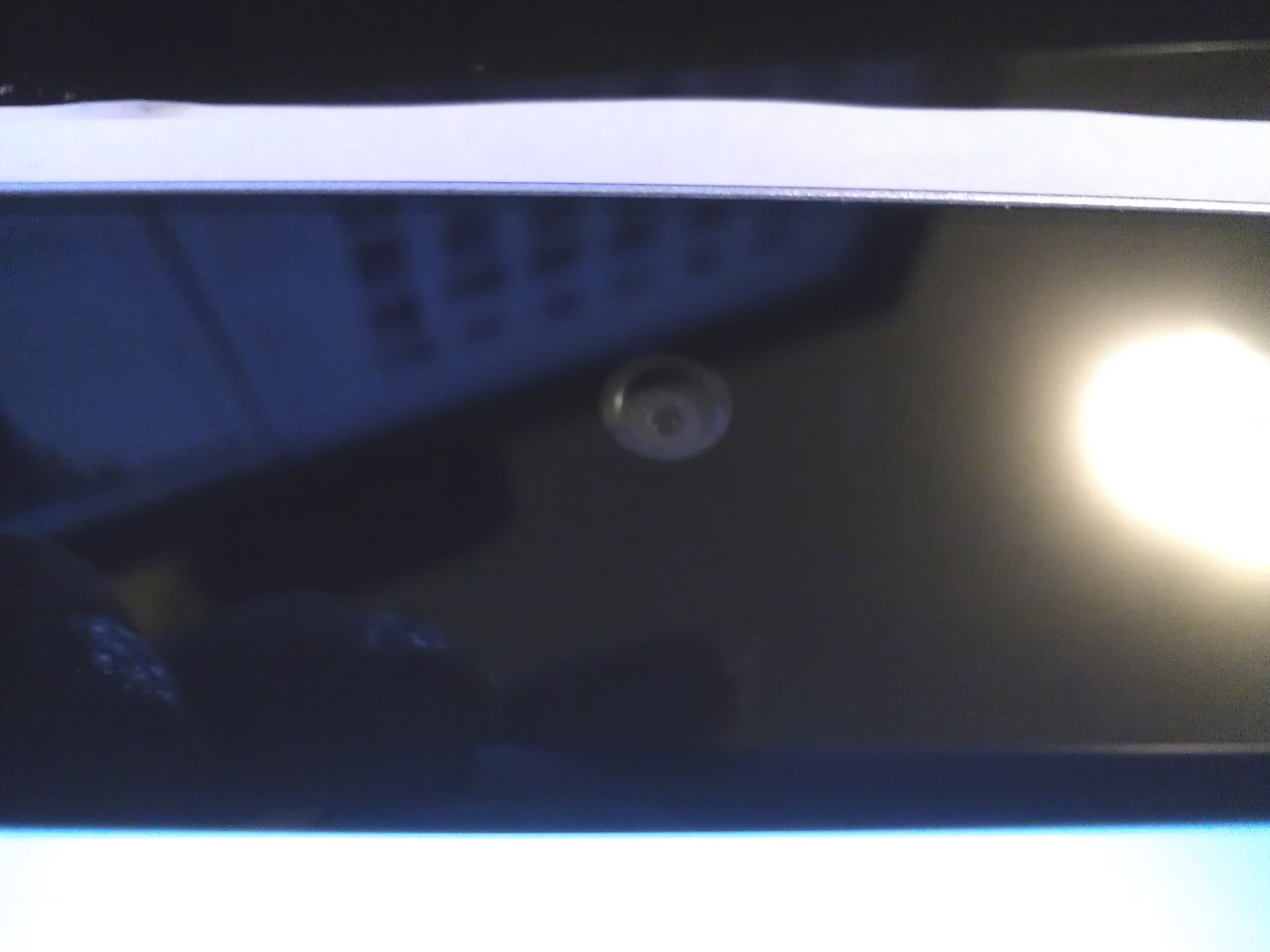
It has a 1.2 MP front-facing camera and no physical home button.
The power/lock key sits above the volume rocker on the right side of the tablet.  The topside is clean and the left side has two microphones, one on top and the other on the bottom, while the bottom side of the tablet has a micro USB port, a standard 3.5 mm audio jack, and the speakers.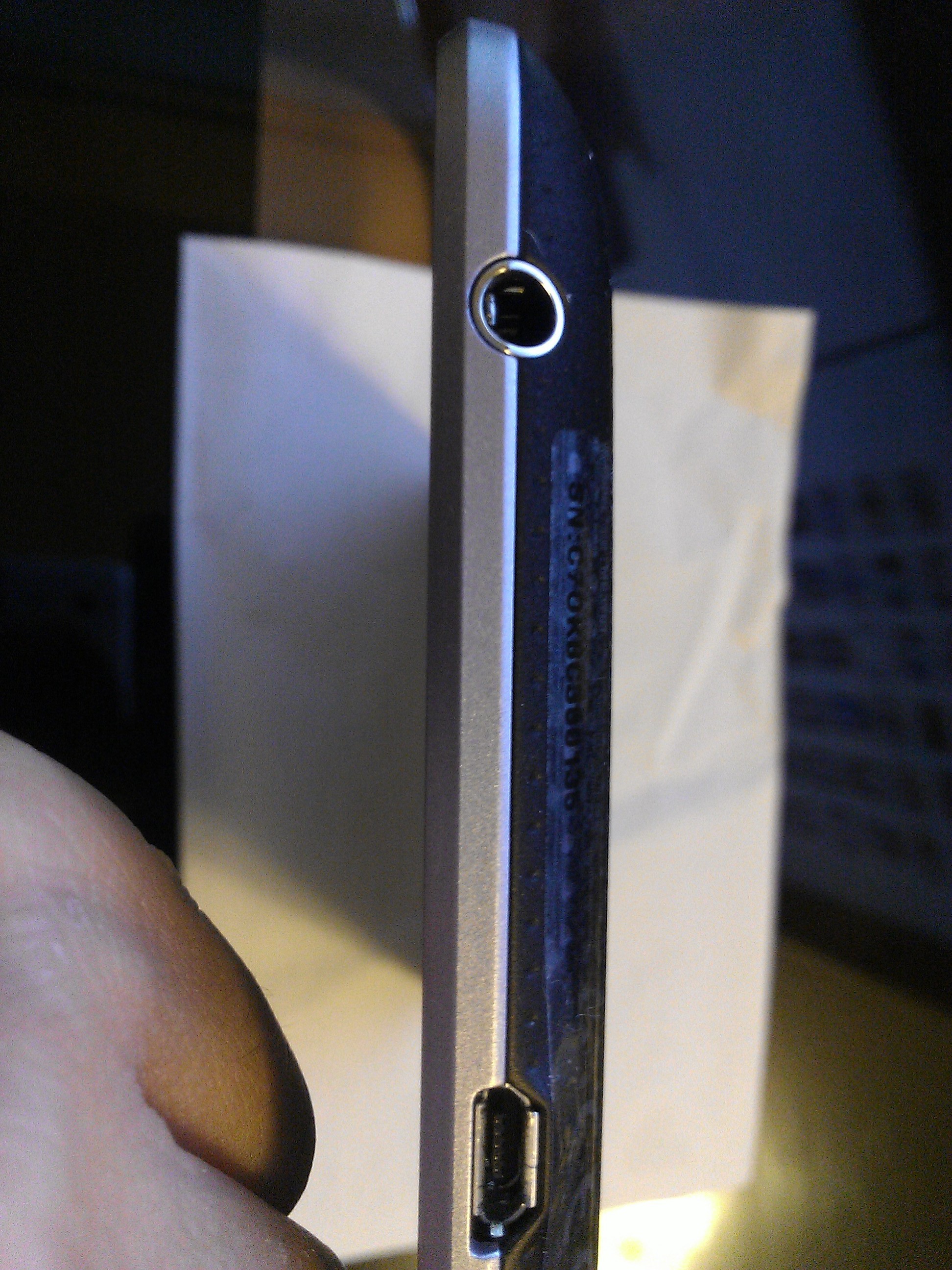
The Nexus 7 has a 7″ HD display which has taken a few minutes to get used to. Remember, I’ve been using the iPad for over two years now and although I would prefer a larger display to play Magic Piano with, but reading a book is perfect with the Nexus 7. Although the mere size of the tablet seemed to dampen my interest, the Nexus 7 tablet’s clean and uncluttered interface quickly made up for the mildly impractical design. This is probably the cleanest I’ve ever seen anything Android-related be all because of Jellybean (Android 4.1), the fastest and most fluid version of Android yet. Did I mention this is the first device to have it?
The volume keys and the power key are placed more towards the back of the tablet of the curved side, seemingly hidden from view. While placing the buttons on the curved edge further away from the screen, it prevents issues such as accidental screen locks or the lack of volume control. However, I found it difficult to locate the keys quite frequently as I found myself groping around for the keys. This problem is lessened if you are holding the Nexus 7 in your hand or if it is on a dock but poses a steady annoyance when placed on a flat surface because you would literally have to lift and tilt the tablet to the side in order to find the keys.
The brushed aluminum sides, I suspect, are plastic but that only means no dents just scratches unless you Ghost Armor it (honestly that’s a must for all devices these days). The tablet has a plastic backing that is slightly rubberized providing a decent amount of non-slip support. The rubbery back feels smooth and dimpled and feels very much like suede or leather if you’re paying attention.
 I am very much a fan of the choice of material they chose for the back piece. The unibody piece of an iPad may rank high in aesthetics but the material is notorious for denting easily.
The set up for the Nexus 7 felt simple and intuitive. Setting up the tablet was probably as easy as setting up an Android phone. 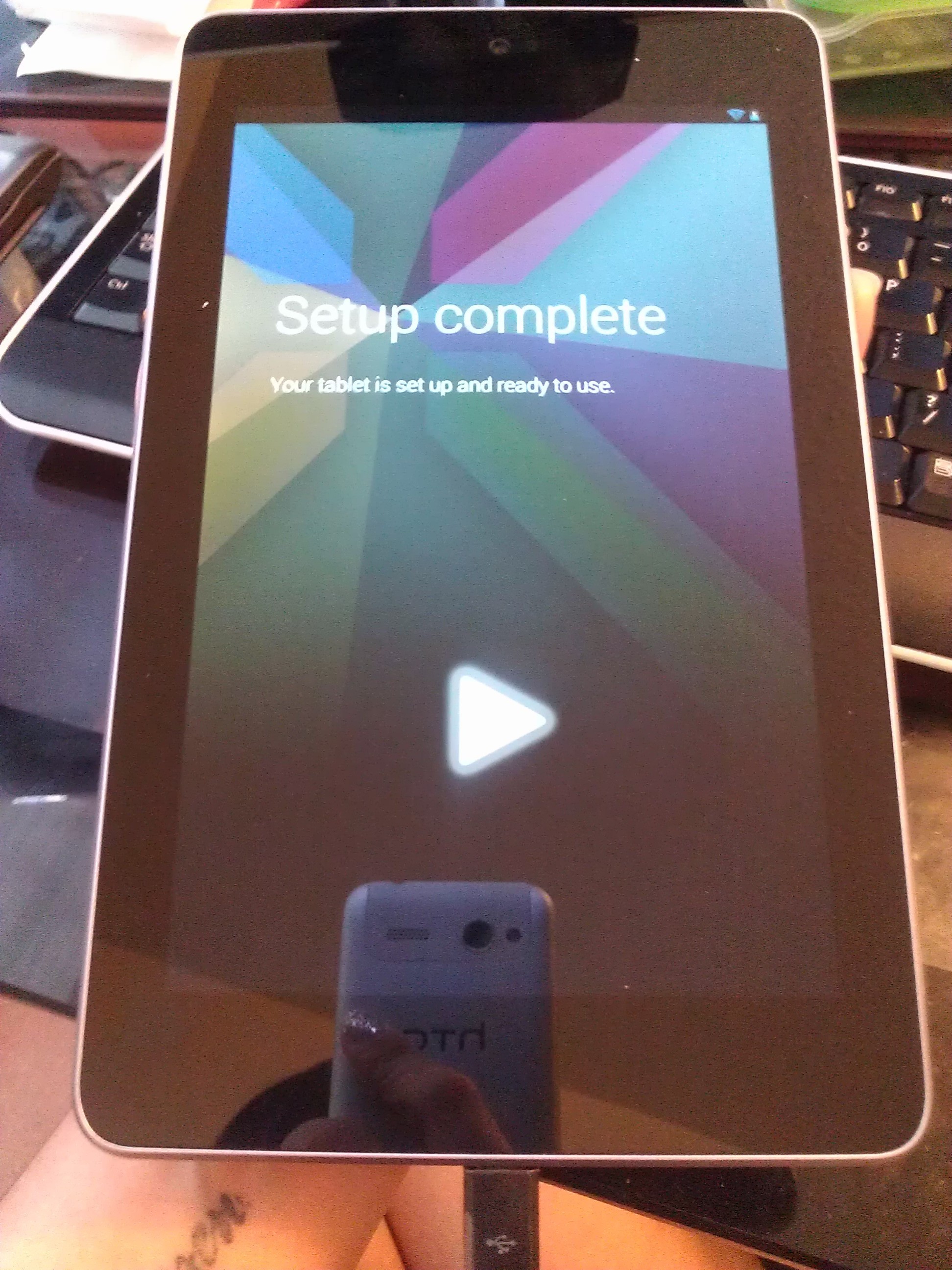
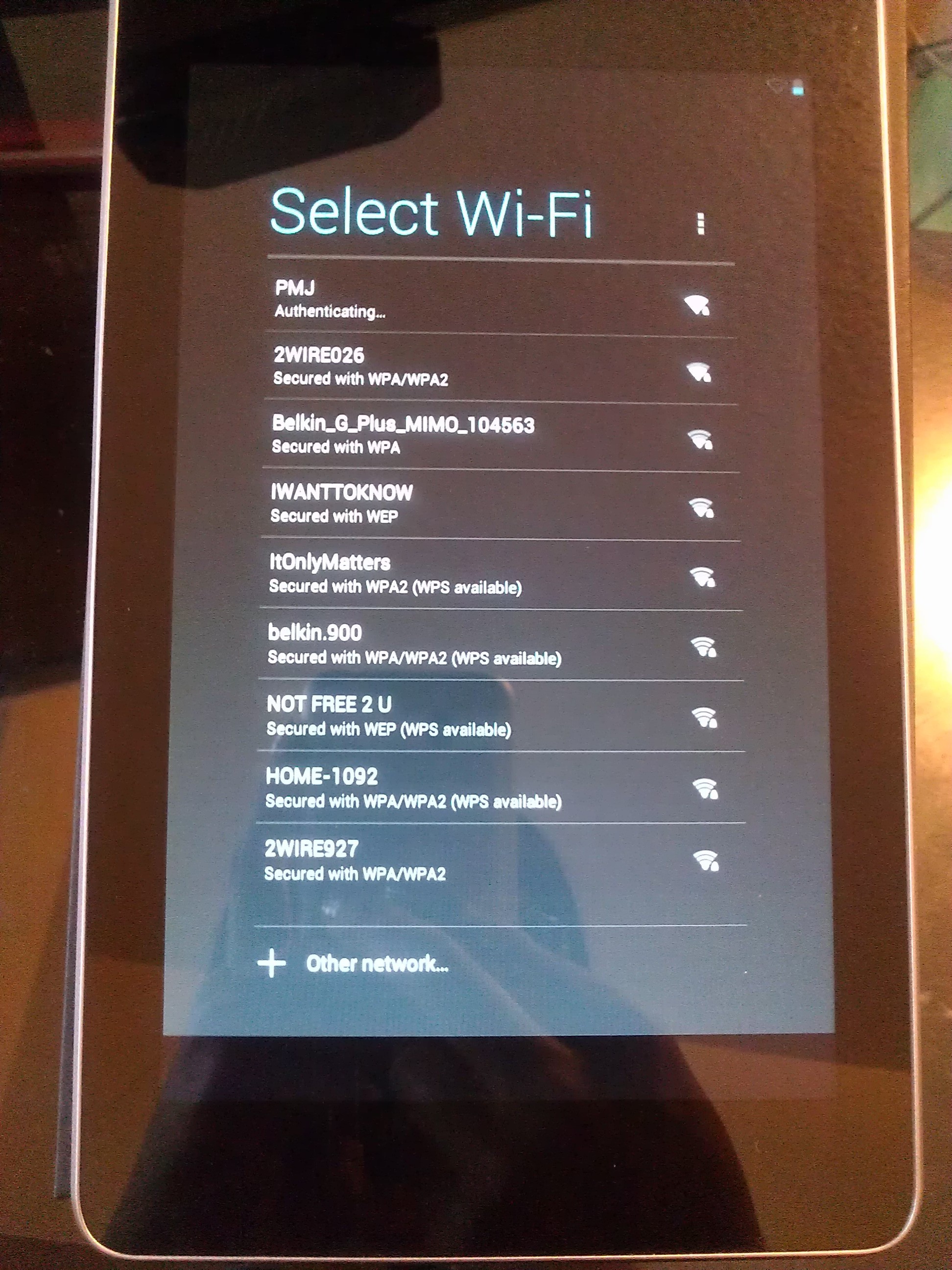
The Nexus 7 comes without the annoying and excessive apps that most users want nothing more to do than remove. When it comes to Android devices, you can’t help but expect the excessive crap apps that can never seem to be removed. A consumer bypasses all of that with a Nexus product. Consider yourself a premium consumer to Google whether you have a Nexus phone or tablet. You won’t find Skype here unless you want it, of course.
The tablet is pre-installed with the typical Google-esque apps such as Maps, Navigation, Google Earth, Chrome, the Play store, Books, Magazine, etc. The Nexus 7 comes with Wallet installed and the great thing about that is you can finally go out without your credit cards, gift cards, and key fobs because Wallet keeps all your information organized and presentable when you need it. And, you can pay with your Nexus 7 at a compatible tap to pay device to pay for your purchase. Stores such as Rite Aid, CVS, Petco, and BP are a few of the many places that support Google Wallet.
I am a fan of the Kindle software from Amazon so although you won’t get the typical perks of having a Kindle, you can always download the Kindle app. I’ve had a lot of fun reading on the Nexus 7 and the Books and Magazines apps provide a lot of customization options. There is an option to keep your Nexus 7 turned when you are reading so I look forward to a dock accessory so I can read in bed while the tablet is on my nightstand. If you’re a fan of real books and are trying to immerse yourself into the digital world of reading, the Nexus 7 equips a realistic feel of a book and it’s especially fun to experiment with the responsiveness of the reading apps. Bookmark your pages, highlight words, and shuffle through pages as slow or fast as you desire.


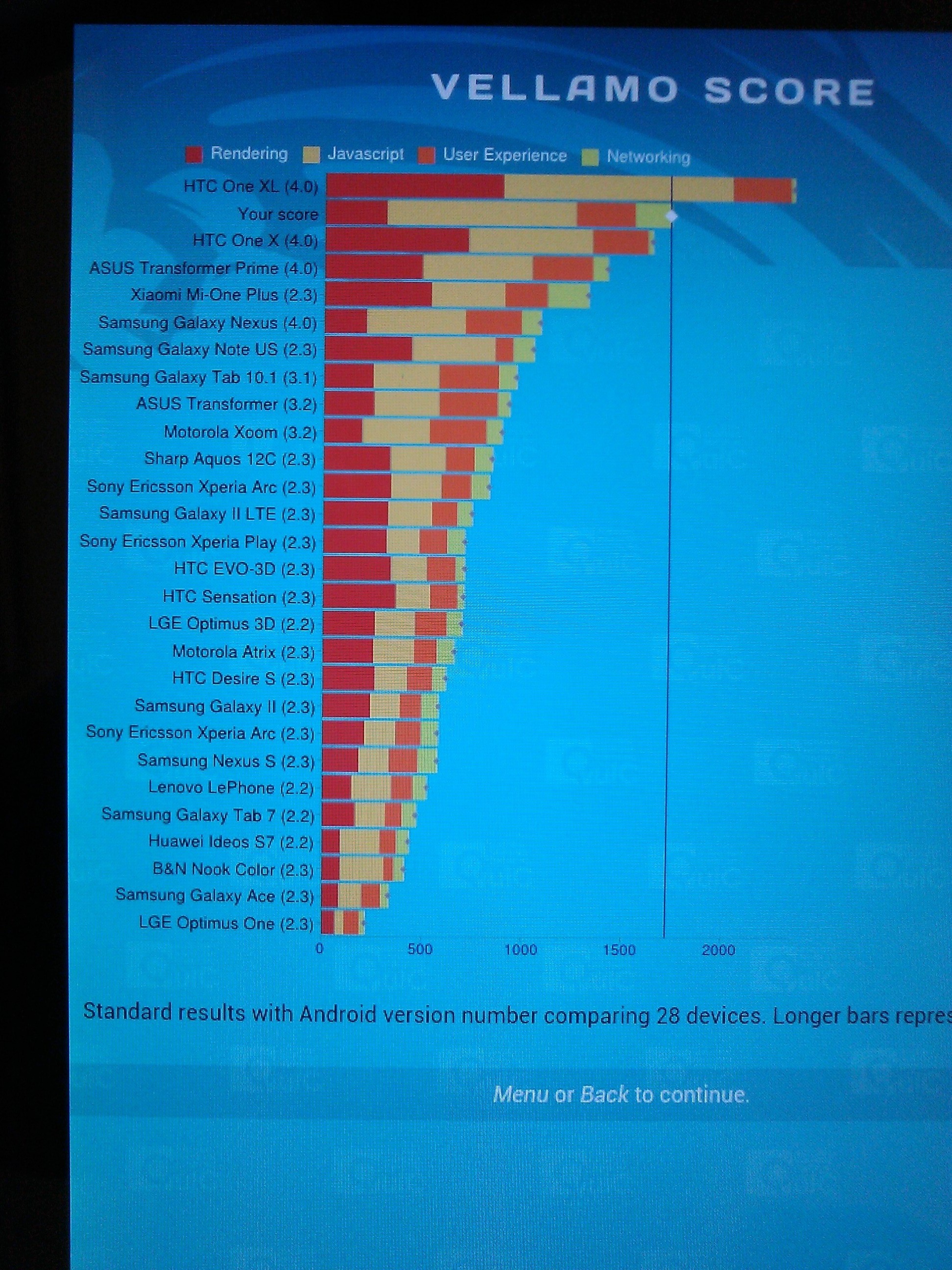
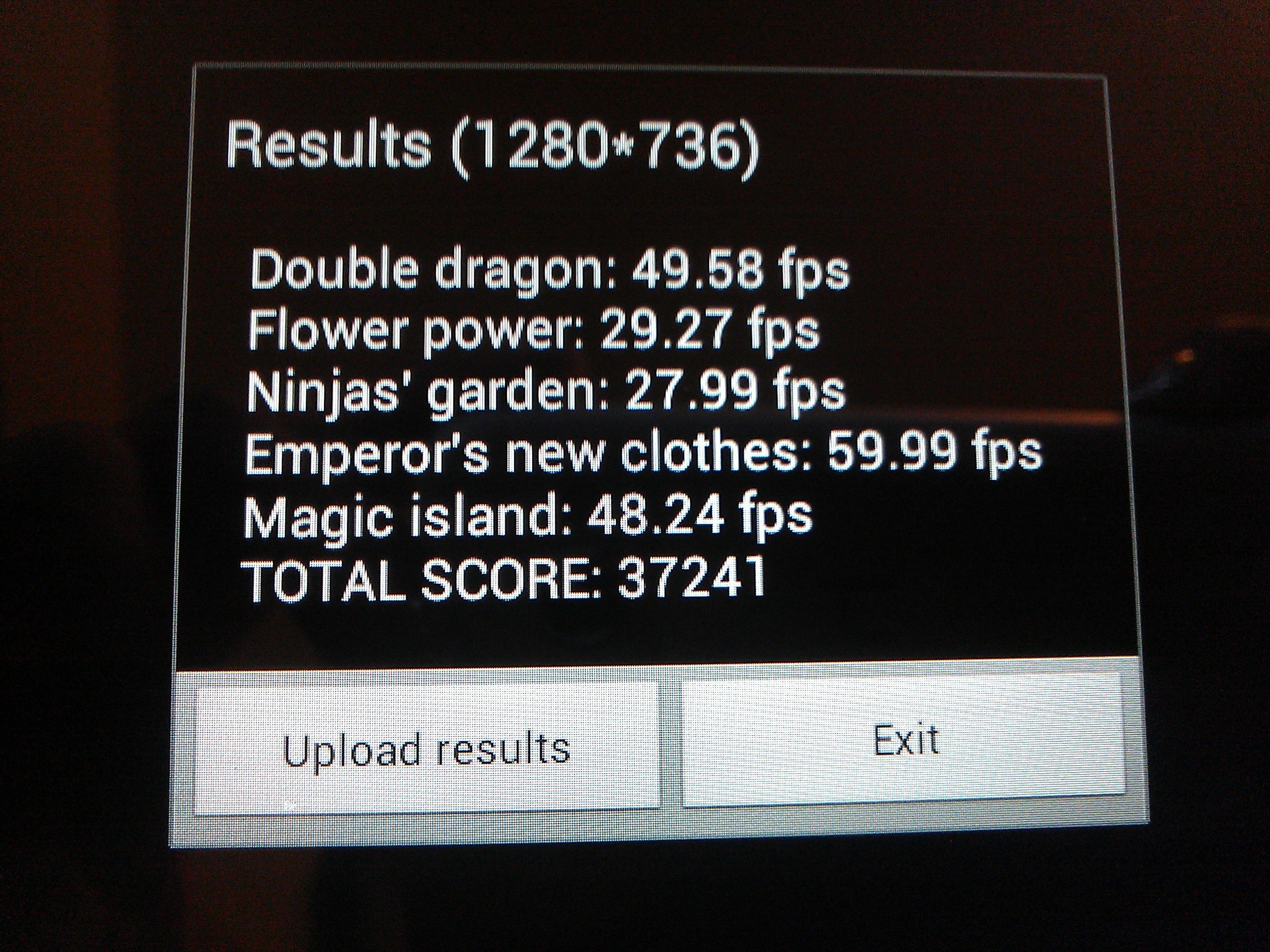
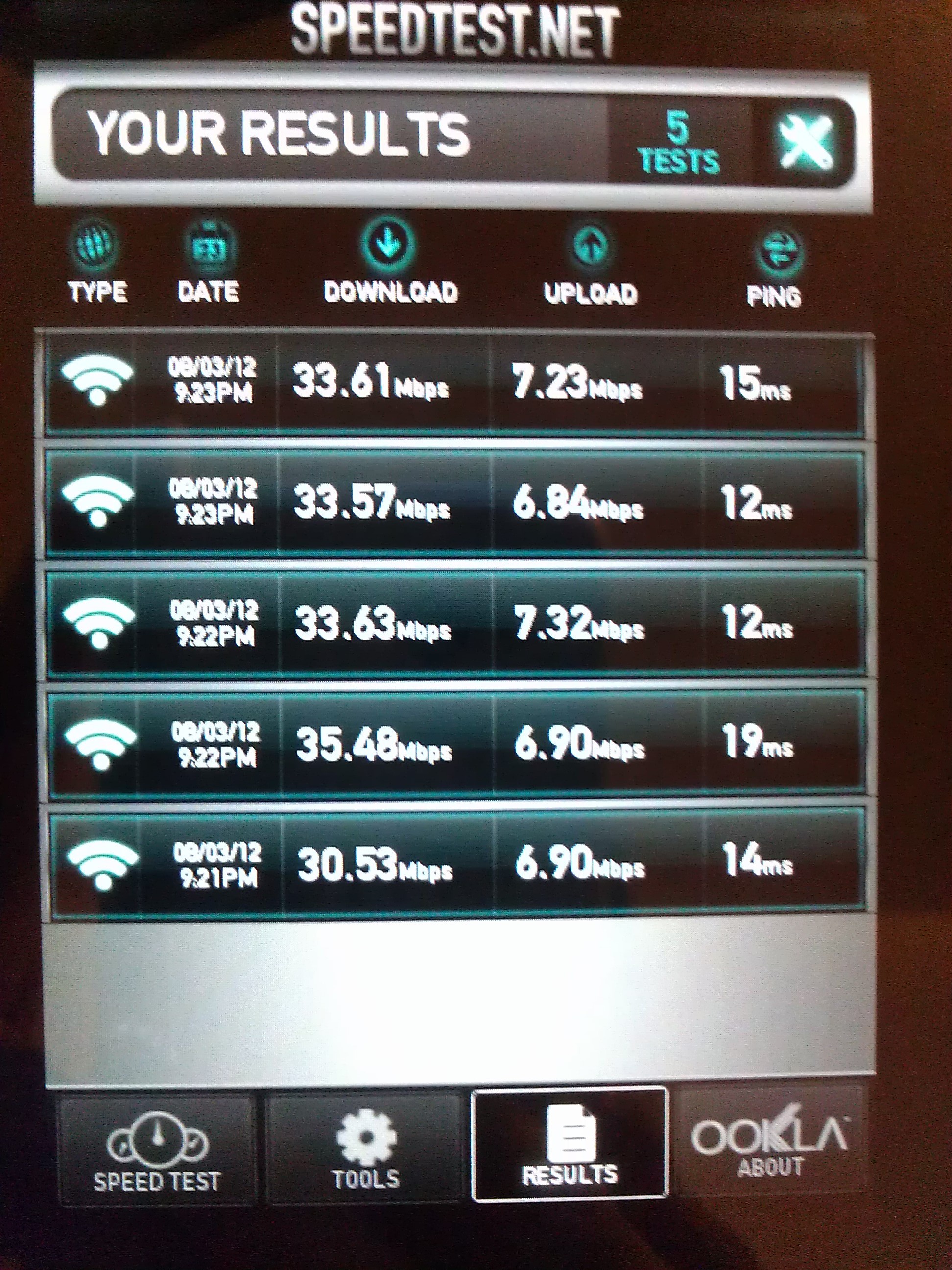
I decided to run a few light benchmarks as well.
Vellamo 1.0.6:
Am3DNenchXL:
Speedtest.net
Final Thoughts
I am quite impressed although I wasn’t sure what to think of it at first. I can live with 720p and the fact that it’s a Nexus device makes it the ideal Android product to have since you’ll always get the updates first and you shouldn’t expect your operating system to be outdated any time soon.
Although it’s equipped with Corning scratch-resistant glass, the makers of Gorilla Glass, I’m careful regardless. You won’t ever see me doing the key test on any device.
The graphics are sharp, vivid and immersive. I haven’t experienced any hiccups or lags so far but I will update in a few months.
I don’t do much gaming on tablets unless you consider The Sims 3 Free Time gaming. I had an LG G2x (Optimus) smartphone (it was the first dual-core smartphone) with NVIDIA Tegra 2. All I can say is that it included aesthetically pleasing hardware with class-leading performance with a minimal amount of battery consumption. The Nexus 7 tablet comes equipped with a 1.2GHz Tegra 3 quad-core processor and 1 GB of RAM.
Overall, I’m content with this purchase. I don’t feel like I overpaid at all and it’ll come in handy when I need entertainment on the run since it only weighs 12 ounces.
The Nexus 7 tablet is snappy, smooth, and a true competitor in the $200 range of top-notch tablets. The prices of tablets will only continue to drop while the quality gets better. It is definitely something you want to buy. It’s light, discreet, weighs less than the Kindle Fire, and isn’t even half of an inch (0.41 in.). If you’ve been eyeing a tablet and particularly Android tablets, go for it.
There is a 15 day return policy and the Google Play customer service is fast and you never have to talk to a machine. The direct line for all Nexus related issues is 855-83-NEXUS (63987). The website is as uncluttered as Jellybean is and Google is working hard to fine tune and tweak every aspect of the current website to bring you a more fluid experience so don’t be surprised if you go to the website and find that it’s changed overnight.
The 16 GB version was made available earlier this week and I really suggest you get it. It’s truly an amazing package.

 Napalm Kitty